Overview
vphone-cli runs a virtual iPhone on an Apple Silicon Mac. Read this page to learn what it does, what your Mac needs, and which program does what.
This project has never issued or authorized any cryptocurrency or token, and does not accept cryptocurrency payments or donations. Any cryptocurrency or token issued or promoted in this project's name, or claiming any affiliation with it, is a scam.
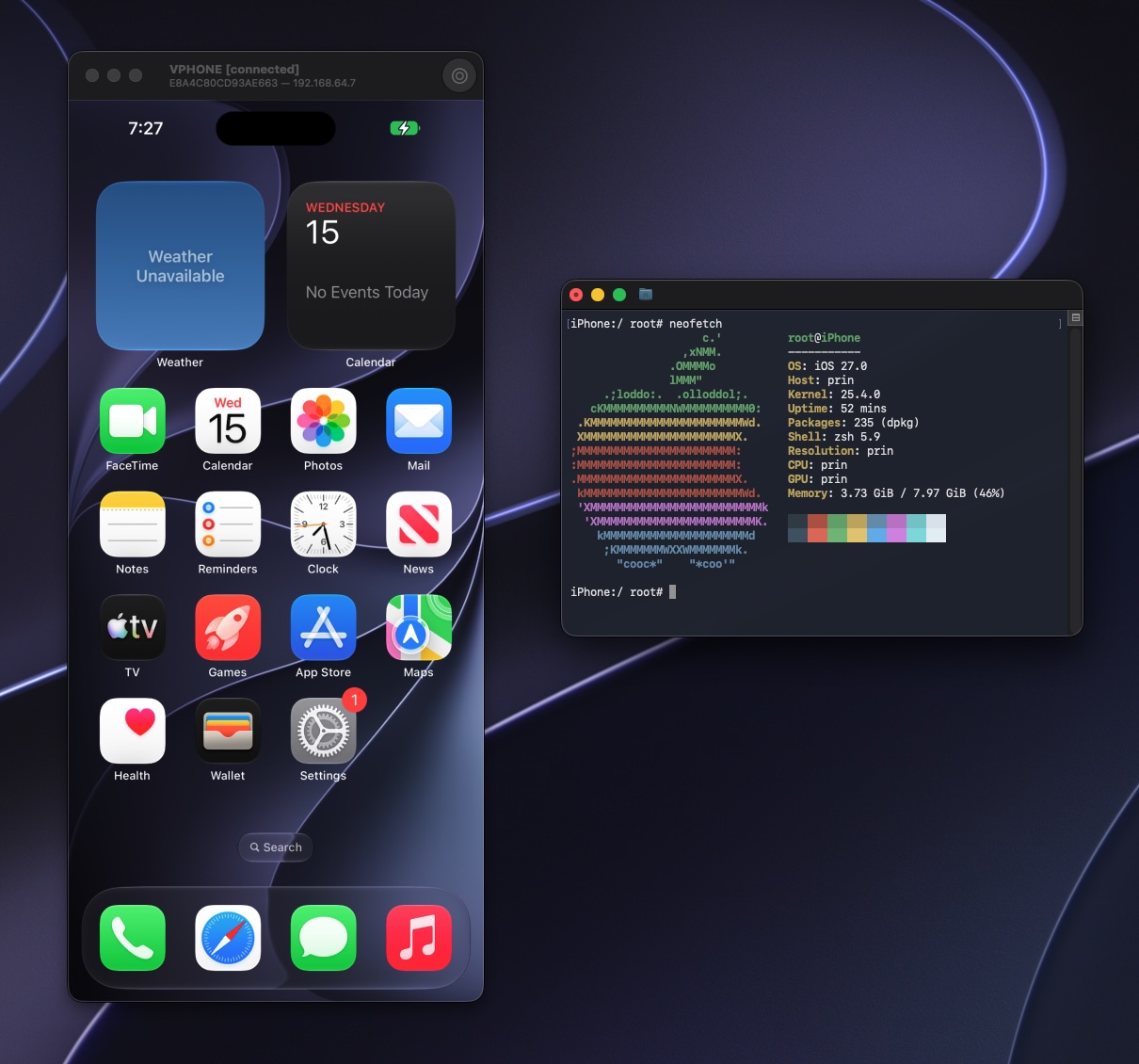
vphone-cli runs iOS with Apple's Virtualization.framework and PCC research virtual machines, for security research, reverse engineering, and debugging.
Features
- Graphical window: Use the virtual iPhone's screen on your Mac, browse apps and files, and take screenshots and screen recordings.
- Custom firmware: The system comes pre-patched, and you can install a package environment.
- Backup and cloning: Export, import, and clone VMs.
- Automation API: An optional local HTTP and WebSocket interface. See Automation API.
- No extra dependencies: Needs no Xcode, Python, or Homebrew at runtime.
Requirements
-
A physical Apple Silicon Mac running macOS 15 or newer. It does not work in a macOS VM.
-
Free disk space. Each VM has a 64 GB virtual disk by default, and firmware takes more.
-
A network connection. Restoring the system fetches signing tickets online.
-
Adjusted security settings. Boot into macOS Recovery, run these commands in Terminal, then restart:
SIP stays enabled, with only the debugging restrictions relaxed. For details, see Host Setup.
The four programs
vphone-cli, vphone-vm and vphoned ship together in VPhone.bundle. Launchpad drives each VM through the vphone-cli inside that bundle; you can also run vphone-cli yourself in Terminal.